
Our position
Designed for learning moments, not endless screen time.
Knowledgehook takes minutes so teachers can get right back to what matters most: hands-on practice, and face-to-face discussion.
3-5
questions make a complete check for understanding
< 10 min
typical student device time for one check
Weekly
the cadence we recommend - a temperature check, not a daily habit
Digital use should be active, purposeful and balanced with hands-on learning.
Teach first. Check briefly. Respond off-screen.
One check-and-respond cycle a week is enough to be useful. Two of the three steps involve no device at all.
STEP ONE
Teach and check
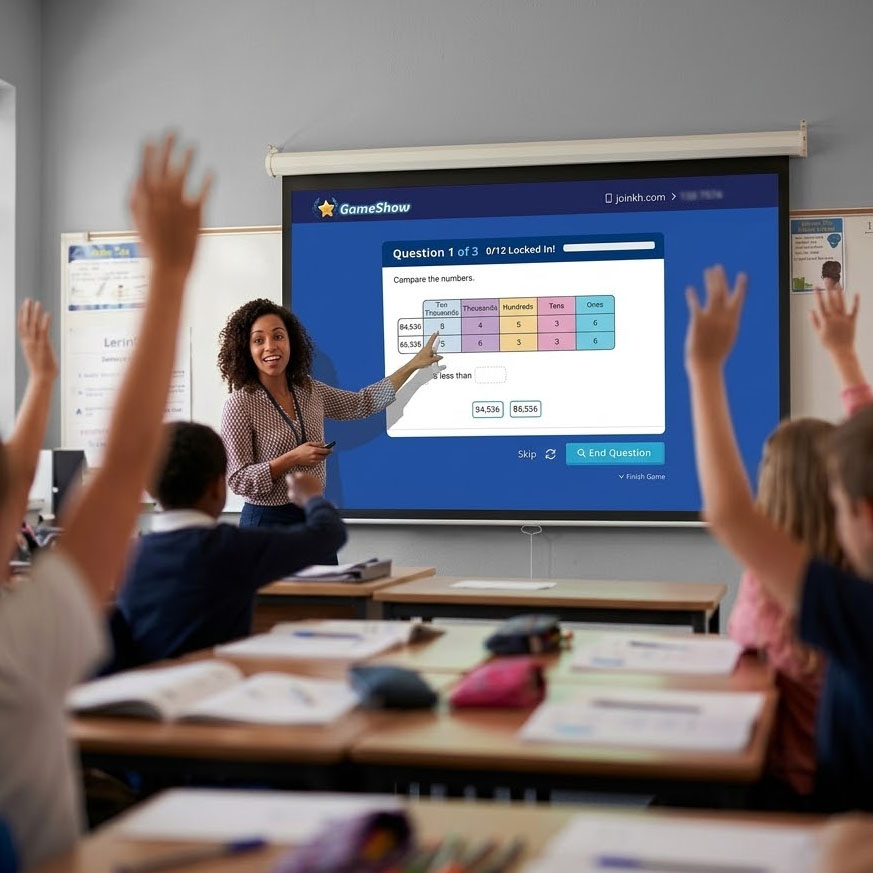
The standard is taught with the curriculum and books the district already uses. Knowledgehook comes after - a three-question Game Show or Mission as a quick check for understanding, not an additional lesson.
DEVICE ~5 MIN
STEP TWO
Notice and respond
Results arrive as instructional groupings, not a leaderboard. The response is teacher-led and analogue: modelling, mathematical discussion, manipulatives, visual representations, paper-and-pencil problem solving.
NO DEVICE
STEP THREE
Reassess and reflect
One more short check to see whether understanding actually moved. Then the teacher decides: revisit the standard, or continue. A suggested rhythm, never a required schedule.
DEVICE ~5 MIN
Four places we deliberately send students off the device.
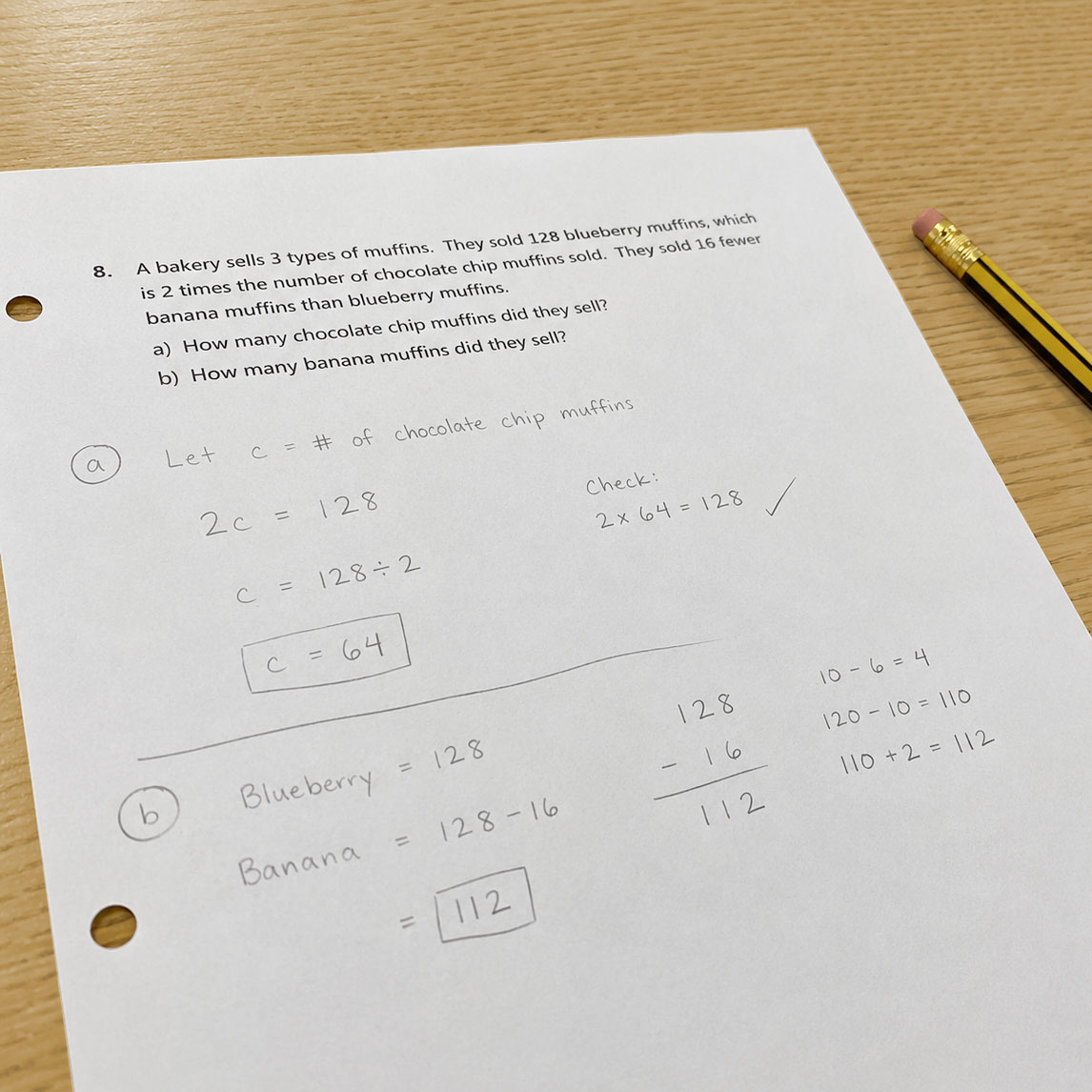
Capture student thinking
The notebook is the answer. The screen just carries it.
Students can work the problem on paper, then photograph it. Show Your Work makes the pen-and-paper artefact the thing a teacher actually reads and a student works with - reasoning, false starts, crossings-out - rather than a multiple-choice tally. The thinking happens in a notebook; the device is the courier.
Game Show
The pauses are the feature.
After every question, Game Show stops. The class sees where the answers landed and the room starts talking - out loud, together, before anyone taps again. It is built to provoke live, synchronous discussion, which is why it is played once with a whole class rather than alone at a desk.
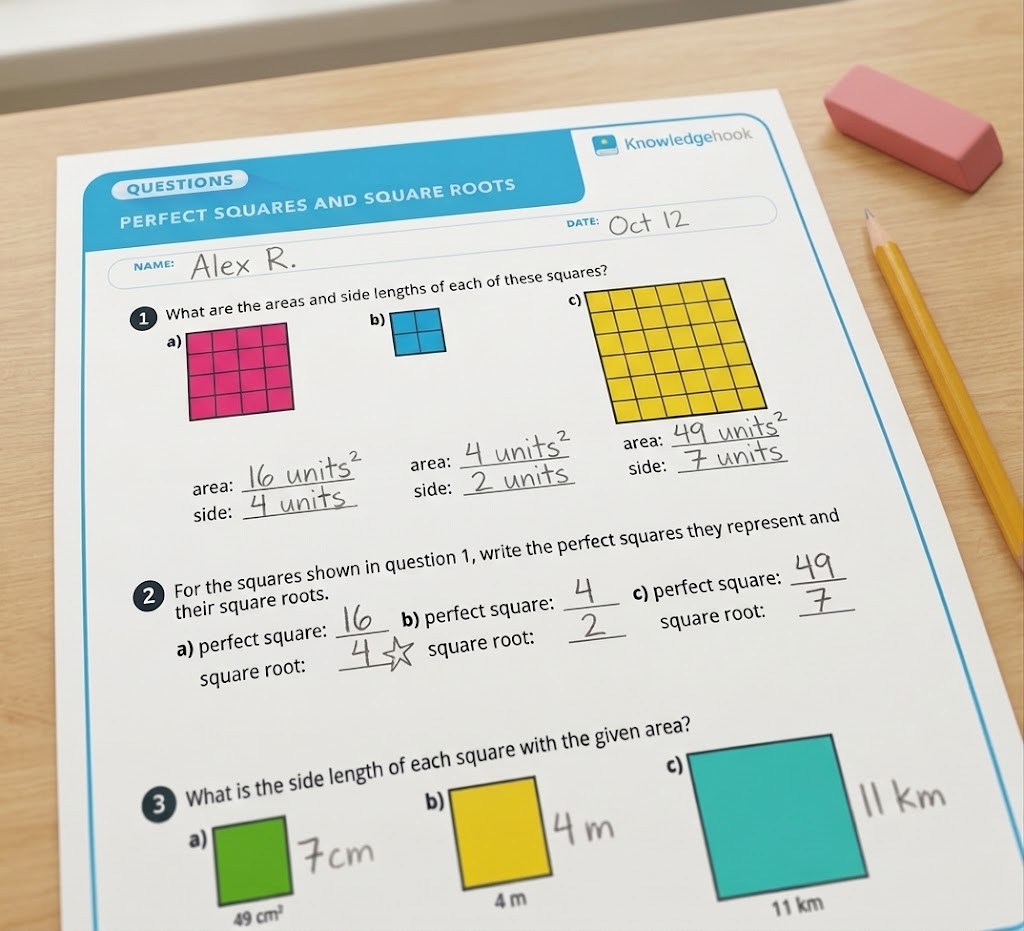
Intervention questions
When software finds the gap, paper can close it.
Identifying a misconception is a job for the platform. Fixing it usually is not. Every intervention question can be printed and worked offline - in a small group, at a table, one-to-one - alongside the backgrounders and misconception charts a teacher uses to plan the response.
Parental controls
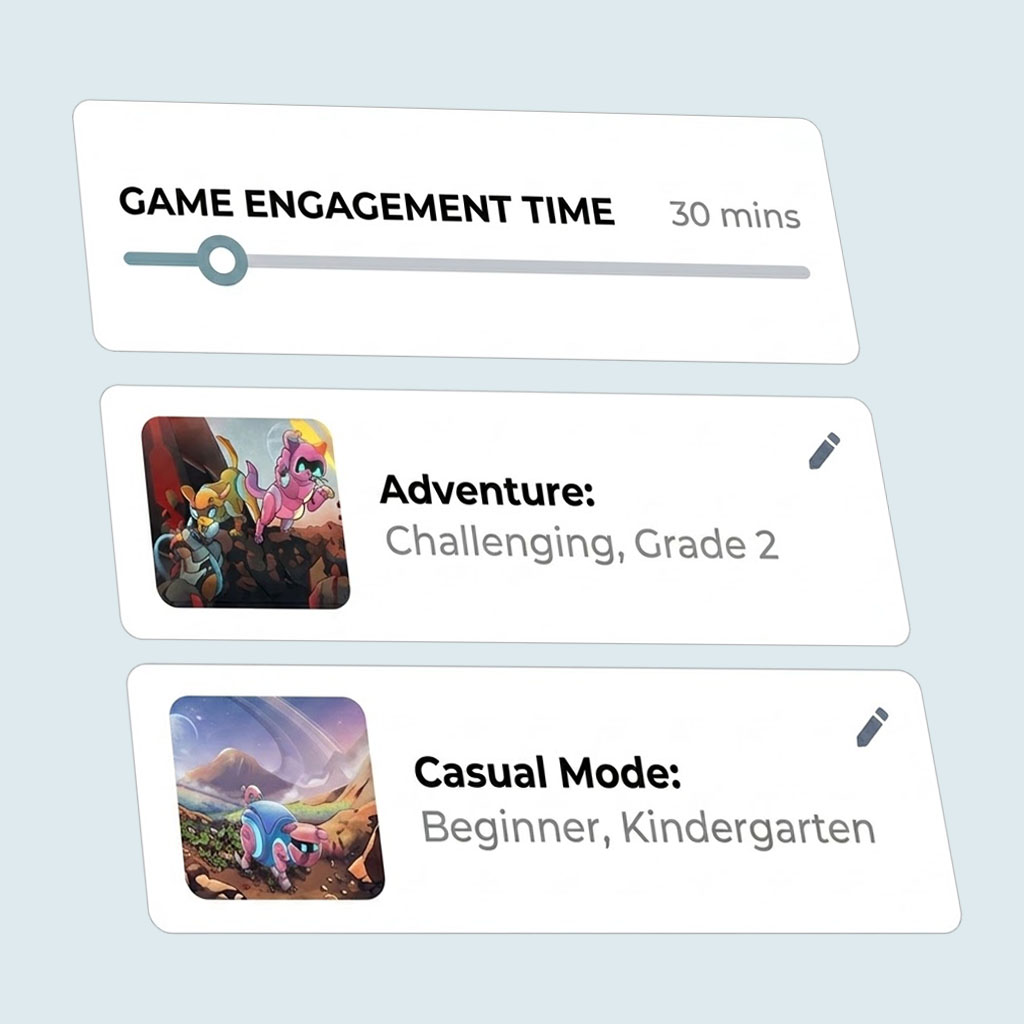
Families can control screen time.
At home, a parent can cap time spent in the Knowledgehook games or disable it outright - without losing the instructional work a teacher has assigned. A household's screen-time rules belong to the household. We give families the control.
If your policy caps device minutes, we fit inside the cap.
Knowledgehook was never designed as an independent-practice program students sit inside for long stretches. It is a teacher-directed instrument. That distinction is what makes it compatible with screen-time policy instead of in tension with it.
Teacher-directed
Activities are assigned and bounded by a teacher.
Brief by design
A check is a handful of questions.
Offline artifacts throughout
Student work can arrive from paper. Intervention questions, backgrounders and misconception charts print.
No daily requirement
Weekly is the recommended cadence - a temperature check.
Family-level controls
Game time at home can be limited or switched off entirely by a parent, independent of school use.
Curriculum-aligned
Content is aligned to the curriculum in your region to support the concepts and expectations you're already working on.
The best thing we can do with screen time is make the off-screen minutes better.
For teachers
Backgrounders, misconception charts, instructional groupings and intervention questions - so the twenty minutes after a check are the strongest twenty minutes of the week, plus professional learning.
For students
Work that ends in a conversation or a notebook. Another chance to learn a concept while there is still time to learn it - and a reason to explain their reasoning to a person.
Toward time-tested methods
Small-group instruction, manipulatives, visual representations, worked examples, mathematical discussion. We build toward those practices, not around them. Every roadmap decision is measured against whether it strengthens them.
Our goal is not more screen time, or more data for the sake of data. It is to help teachers notice student thinking sooner, respond more precisely, and give students another chance to learn before a misconception sets.
From Knowledgehook's getting-started guidance for schools operating under screen-time limits