ClassOS Relase Notes
October 2025
Teacher App Updates
Localization and Navigation Improvements: We’ve made several updates to improve usability and ensure a smoother experience across the Teacher App.
Localization fixes: Translation coverage has been expanded across key areas including Edit Activity, Exit Tickets, Share Activity modal, Material Bridge, and Mathalon Certificates, providing a more consistent experience for all supported languages.
Edit Custom Activity: Number format validation has been added for Answer Text, helping prevent input errors when creating custom activities.
Navigation & UI fixes: We resolved issues with activity navigation buttons and course navigation links, and removed the Retry button from the correct answer modal for clarity.
Dashboard Updates
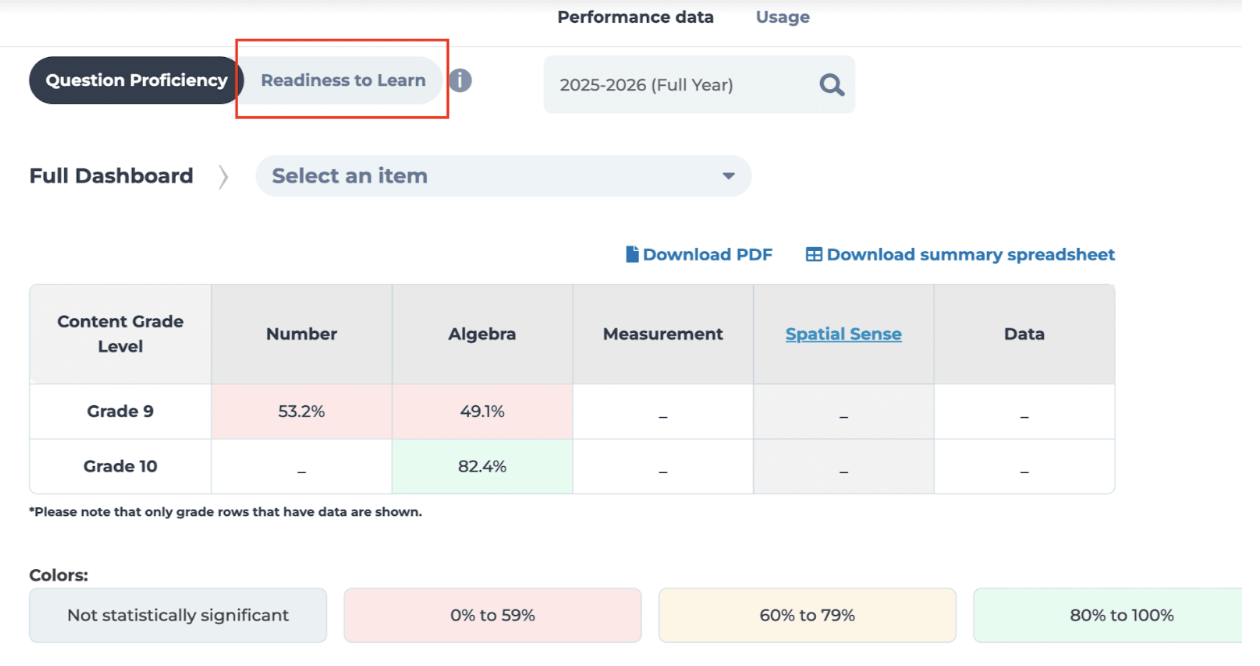
Out-of-Grade Data Support: The Dashboard now supports Out-of-Grade data and includes improved class drilldown navigation from Readiness to Learn, making it easier to explore results across multiple data levels.
Seasonal Market – Fall Zo-Gear Costumes (Student Experience)
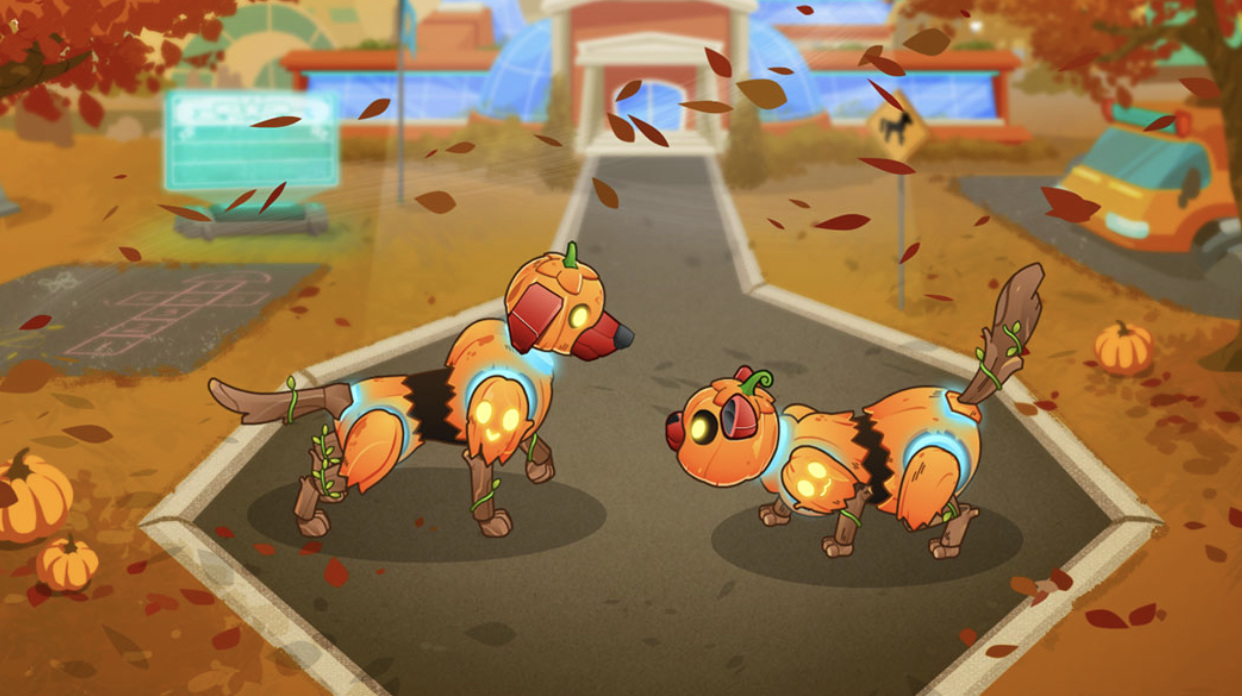
From October 15 to November 1, students could unlock limited-time Fall Zo-gear costumes in the Seasonal Market.
Costumes could be purchased using Coins earned by answering questions and completing Missions, adding a fun, festive way for students to personalize their Zo-gear during the fall season.
September 2025
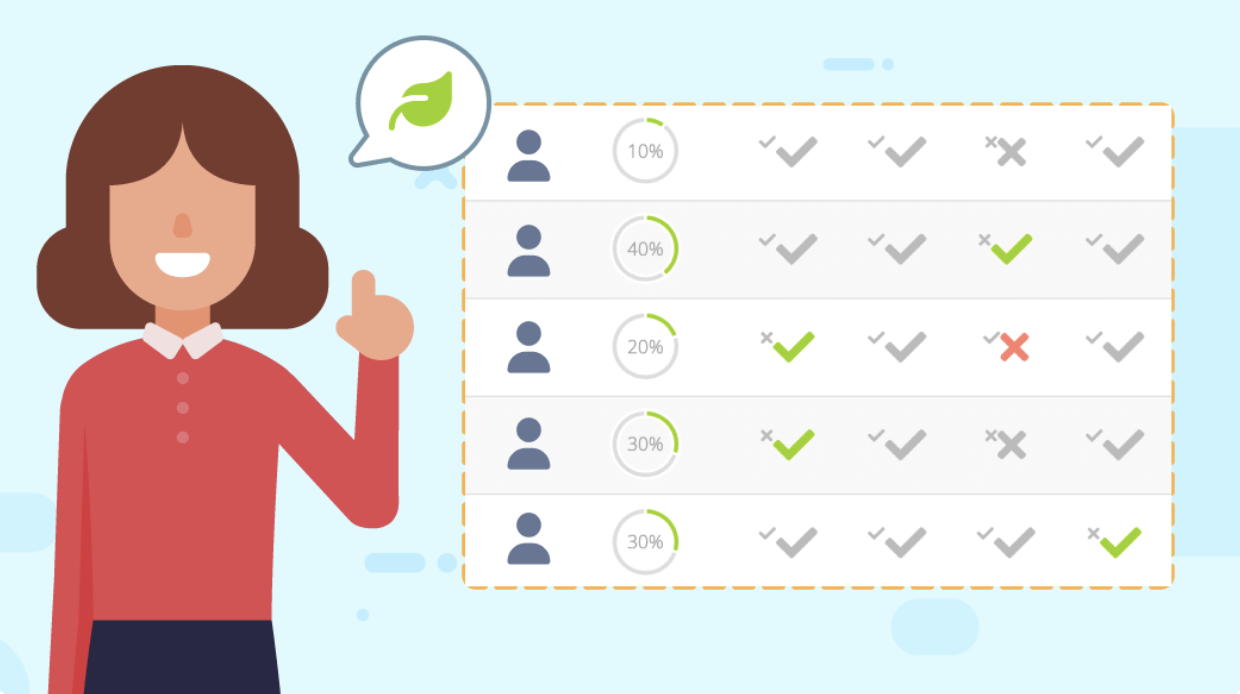
Assessment Mode Update: Comparable Questions
We’ve enhanced Assessment Mode Growth Missions to align with regular Growth Missions.
Now, these missions use comparable questions, close variations of the originals (previously called “clones”). This ensures a more accurate measure of student progress without repeating the exact same questions from the first activity.
What’s changing:
· Growth Missions will always use comparable questions, regardless of Mission mode.
· Reports will now display the updated comparable questions and student responses.
· All other growth calculations and reporting remain the same.
Security & Access Improvements
Account Security Enhancement: To protect against malicious or excessive login attempts, accounts will now lock for 5 minutes after 10 consecutive failed password entries. A notification will appear on the login screen during the lockout period.
Student Class Join Fix: Resolved an issue where some students were unable to join a second class using a class code.
Student Login Page: Fixed an issue where pasting class codes with spaces or typing them quickly could result in missing characters.
These updates strengthen account security and create a smoother onboarding experience.
Principal Onboarding Email Updates
We’ve refined the Principal Welcome Email to improve navigation and ensure access to the right setup flow:
· First-time logins now go directly to Account Setup, while returning users go to Performance Data.
· Removed outdated links (“Get Started,” “What is Knowledgehook,” and “FAQ”).
· Principals will now receive onboarding emails even if their original 30-day setup link has expired.
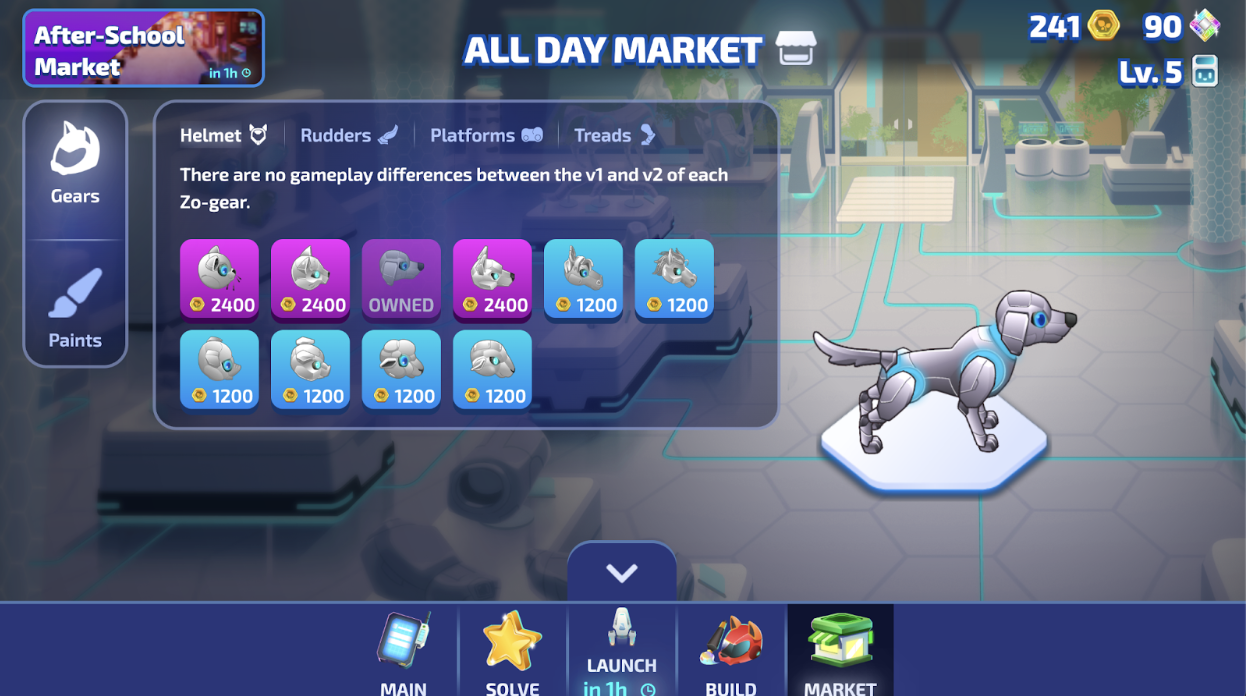
Game & Marketplace Updates
Zone Rush: Streamlined lobby flow, clearer boost and loadout indicators, and localized bot naming. Improved stability and fixed issues with boost selection, hat descriptions, and Outpost Run completion.
Market: Enhanced visibility and clarity for seasonal offers so students can easily spot time-sensitive items. Improved navigation and readability for a smoother shopping experience.
August 2025
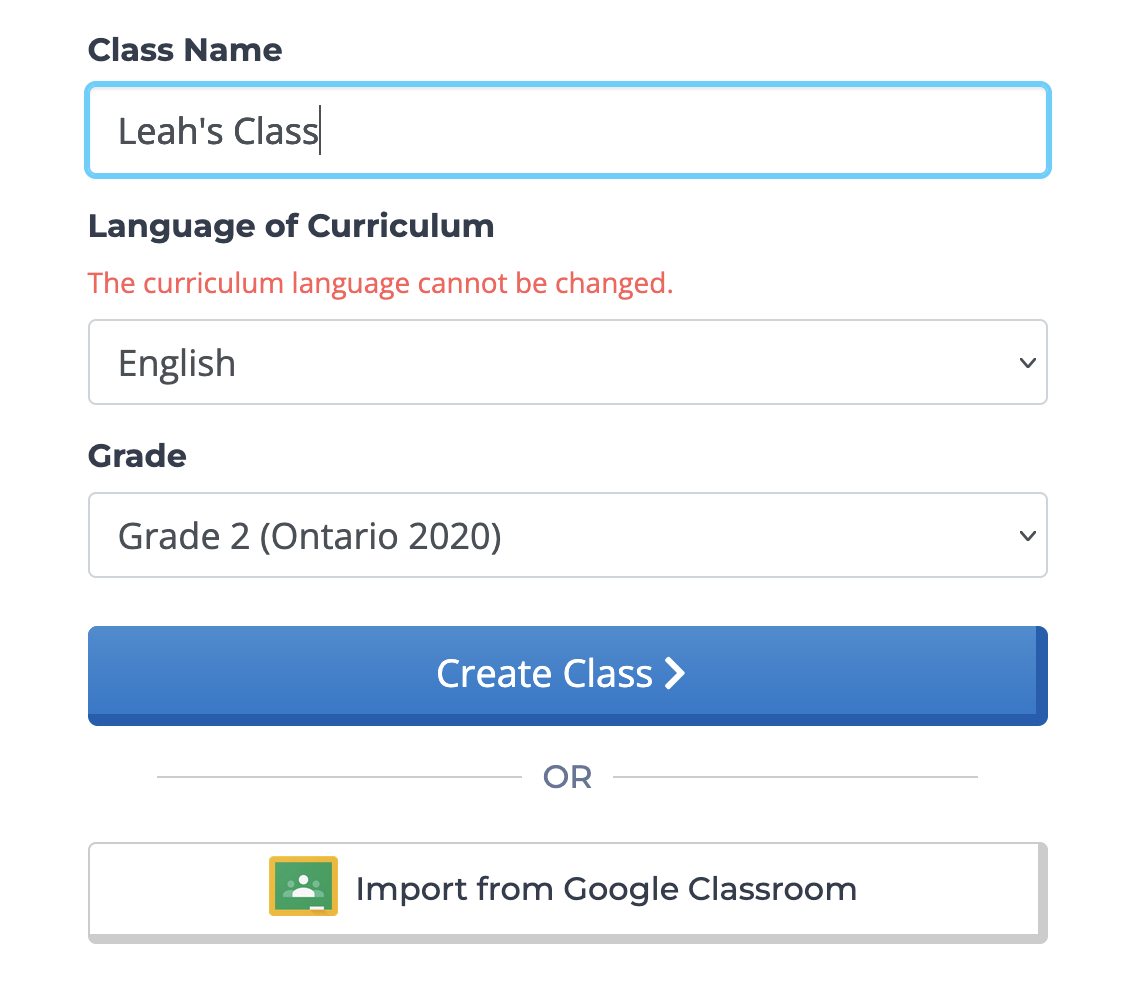
Teacher App Update: Class Creation Flow
Ahead of September, we’ve improved the teacher sign-up and class setup process to reduce confusion and make it easier to get started:
Language selection at account creation: A dropdown has been added so new teachers can choose their preferred language right from the start.
Curriculum language required for class creation: A “Language of Curriculum” dropdown is now included when creating a class. This makes the curriculum language a clear, required choice and prevents it from being overlooked.
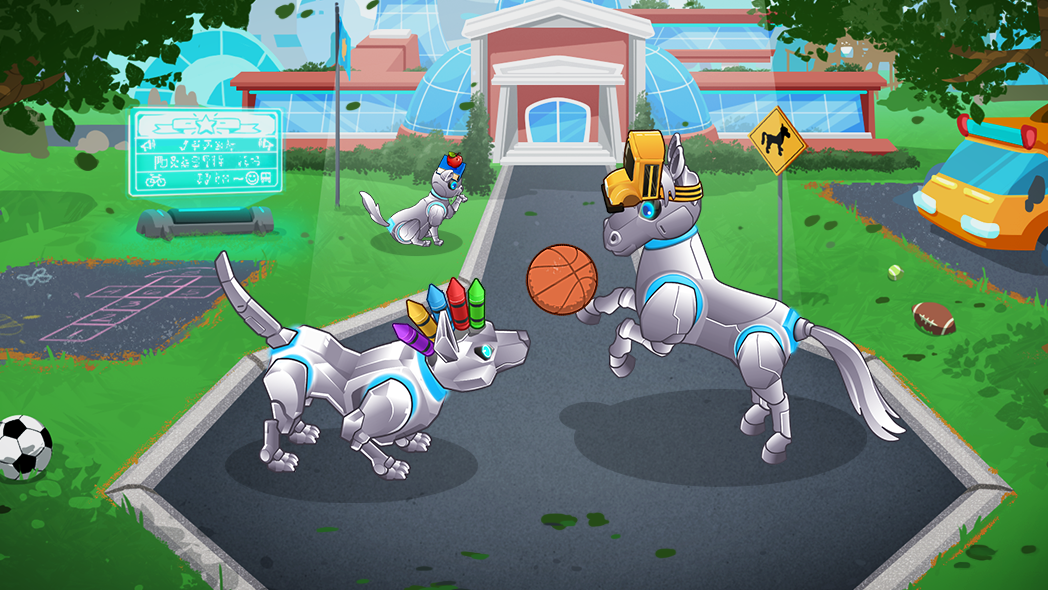
Student App Update: Seasonal market
To kick off the school year, we’ve introduced back-to-school helmet costumes for September.
Students can unlock these items with Coins earned by answering questions correctly and completing Missions.
These seasonal costumes add a fun boost of motivation while learning.
Student App Update: Enchanted League Milestones
We have added new league milestones to make progression more attainable for students.
Students can level up beyond Diamond League.
Those who have already maxed out will automatically progress into the Enchanted League.
July 2025
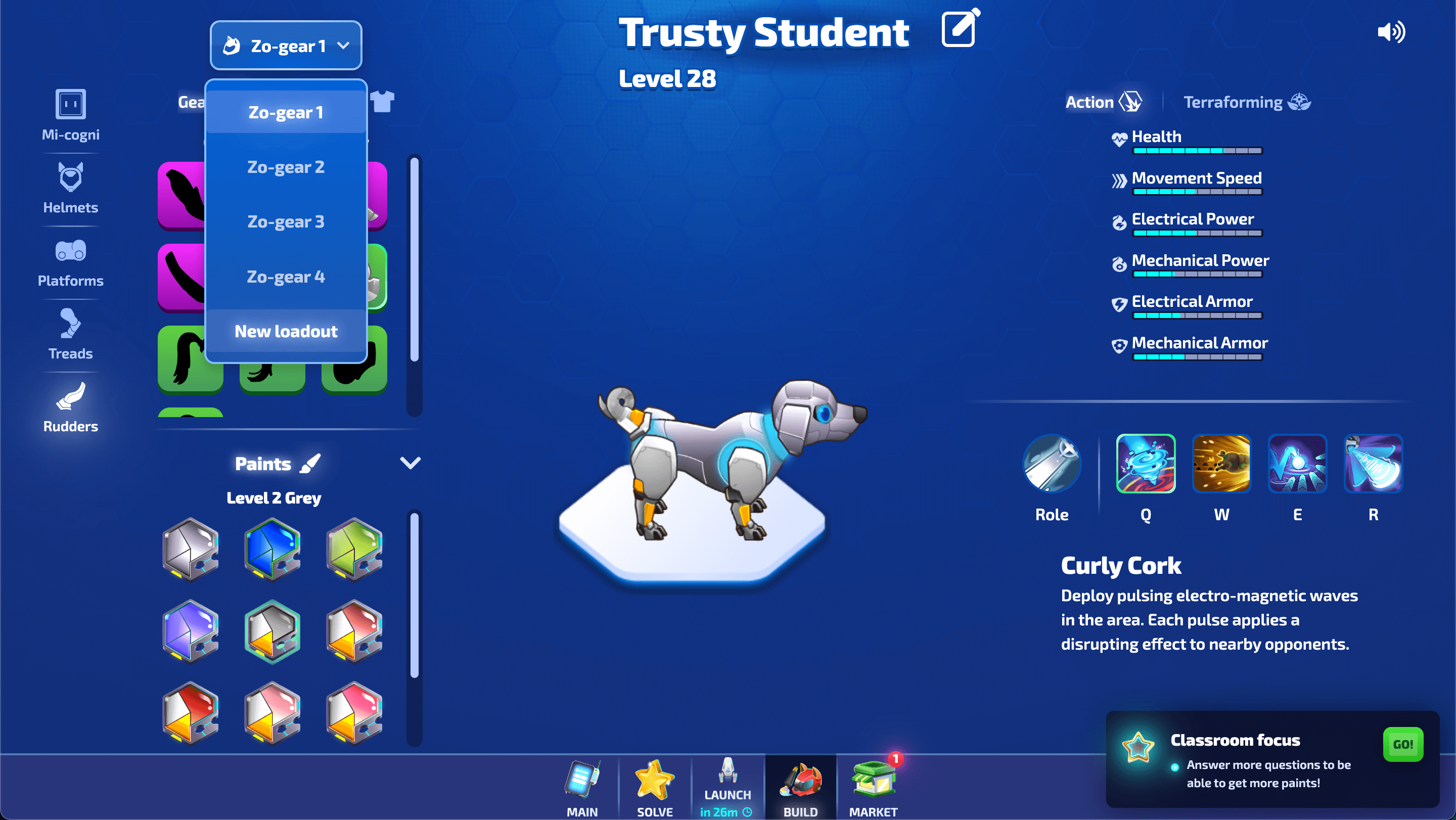
Student App Update: Loadouts for Zo-Gear
Students can now save and switch between multiple Zo-gear configurations using the new Loadouts feature.
Each Loadout includes Zo-gear parts, paint, costume, and any ability-based components making it
easy to prep for different game modes or personal play styles.
Loadouts can be accessed from the Build Zo-gear page using the drop-down menu. Changes made
while a Loadout is selected are automatically saved.
If a Loadout hasn’t been customized yet, it will show the default Zo-gear from Bot Intro.
This update helps students manage and reuse their favourite setups more efficiently.
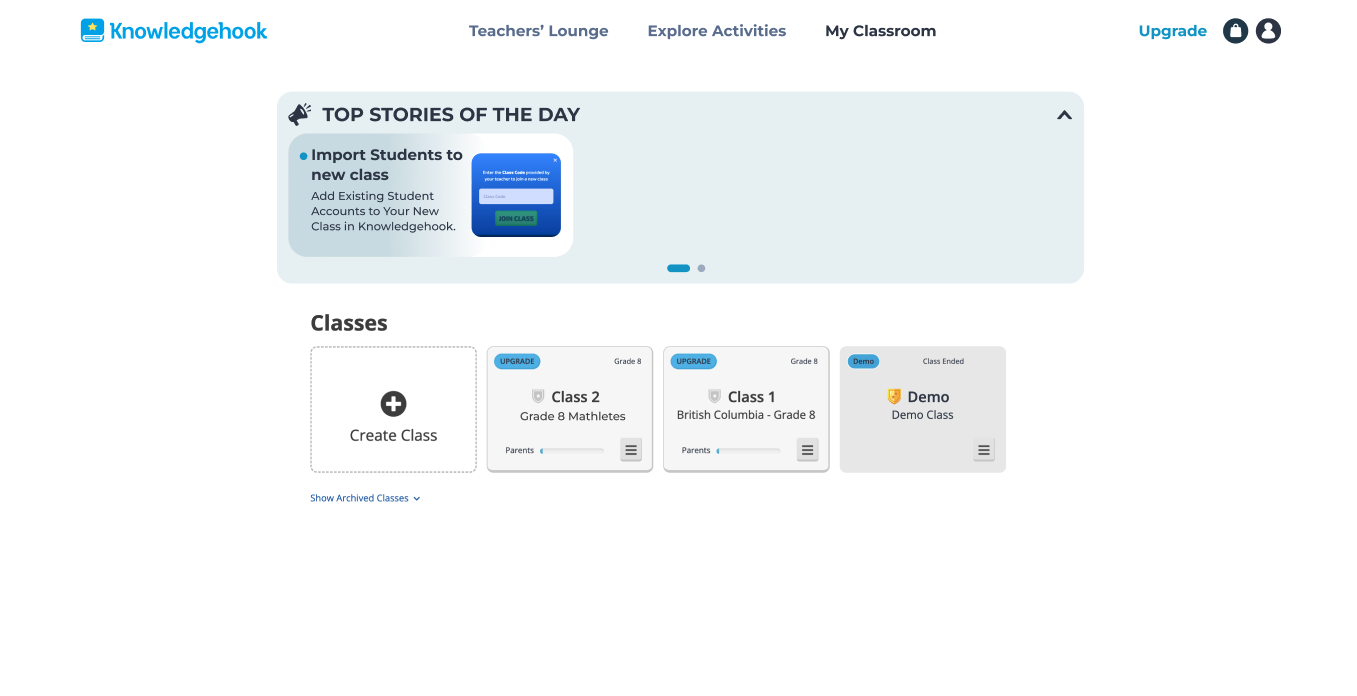
Teacher App Update: News Widget on Classes Page
A new Teacher News Widget has been added to the Classes page in the Teacher App. This feature provides a way for teachers to stay informed about key updates and announcements when they log in.
The widget, titled “Top Stories of the Day,” displays one or more article preview cards. Click a card to read the article in full-screen view.
When multiple articles are available, teachers can move between them using navigation dots below the cards.
Teachers can collapse the widget at any time using the arrow icon in the top-right corner.